Why To-Do Lists Fail
Your list should be a tool for execution, not a graveyard of guilt. Here is why your current system is broken.
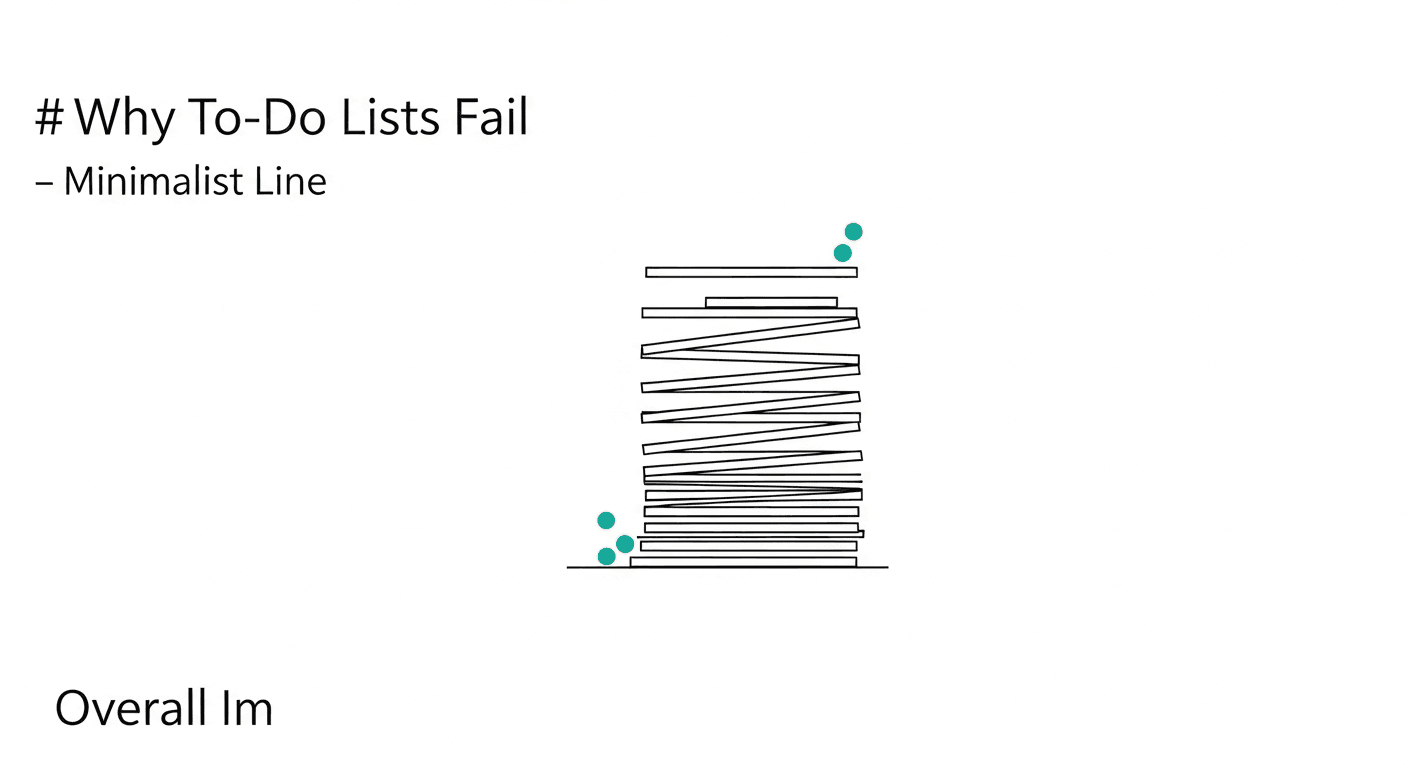
It is a ritual as old as the modern office: You arrive at your desk at 8:55 AM, fresh coffee in hand, and open a blank page in your notebook or a fresh digital document. You feel a surge of optimistic productivity as you bullet-point everything you intend to accomplish. By item ten, you feel organized. By item fifteen, you feel ambitious. You are the architect of your day, and on paper, it looks like a masterpiece of efficiency. You close the notebook with a sense of preemptive accomplishment, ready to crush the day.
Then, reality hits. An urgent email from a client lands at 9:15 AM. A "quick sync" with the team turns into a forty-five-minute debate. By 2:00 PM, you realize you have only crossed off two items—and they were the easiest ones, like "check email" or "water plants." As 5:00 PM rolls around, you look at your list. It is no longer a roadmap; it is a graveyard of good intentions. You migrate the uncompleted tasks to tomorrow, adding to an already impossible pile, and leave work feeling a vague sense of failure. If this cycle sounds familiar, you are not alone. The problem isn't your work ethic; the problem is the list itself.
The Science: The Planning Fallacy and The Urgency Effect
To understand why to-do lists fail, we have to look at the data. A study by productivity platform iDoneThis analyzed millions of user tasks and found a startling statistic: 41% of to-do list items are never completed. They aren't just delayed; they remain on the list until they are eventually deleted out of shame or irrelevance. Why does this happen? The failure of the to-do list is rooted in two specific behavioral phenomena: the Planning Fallacy and the Urgency Effect.
First, the Planning Fallacy. Coined by Daniel Kahneman and Amos Tversky in 1979, this phenomenon describes our tendency to underestimate the time needed to complete a future task. We assume the best-case scenario. When you write "Draft Quarterly Report" on your list, your brain imagines a distraction-free hour of pure flow. It does not account for the slow Wi-Fi, the missing data from the finance team, or the fatigue you will feel after lunch. Consequently, we overstuff our lists. When we inevitably fall behind schedule by 11:00 AM, the psychological weight of the remaining list becomes demotivating rather than guiding.
Second, we suffer from the Urgency Effect. A study published in the Journal of Consumer Research (2018) demonstrated that people consistently choose to perform tasks with short completion windows (urgent tasks) over tasks with larger outcomes (important tasks), even when the important tasks offer a strictly better payoff. This is often called "procrastination disguised as productivity." Your to-do list treats every bullet point equally. "Call the caterer" takes up the same visual space as "Write strategic vision for Q3." Because the list is flat, our brains default to the low-hanging fruit—the urgent but unimportant tasks—leaving the critical work untouched day after day.
The Framework: Structuring a List That Works
To stop your to-do list from failing, you must stop treating it as a "wish list" and start treating it as a filtered execution plan. Here is a framework to restructure your daily planning.
1. The Separation of Capture and Schedule
The biggest mistake people make is using their daily to-do list as a capture bucket. If you have an idea for a project due in three weeks, and you write it on today's list, you have just diluted your focus.
- The Fix: Maintain a "Master List" (or Backlog) separate from your "Daily List." The Master List holds everything you ever need to do. The Daily List is a sacred space restricted to what you will physically execute in the next 8 to 10 hours. Never let a task enter the Daily List unless you have the time blocks available to achieve it.
2. Verb-First Specificity
Vague tasks are the enemy of execution. When a task is ambiguous, the brain perceives it as a threat because it requires high cognitive load just to figure out where to start.
- Bad Label: "Project Alpha."
- Good Label: "Email Sarah the three budget revisions for Project Alpha."
When you look at "Project Alpha," your brain stalls. When you look at "Email Sarah," your brain knows exactly what motor functions and software are required. Actionable verbs reduce the friction of starting.
3. The 1-3-5 Rule
This is a prioritization constraint to combat the Planning Fallacy. You cannot do 20 things. On any given day, assume you can accomplish:
- 1 Big Thing: A high-impact task that requires deep focus (90+ minutes).
- 3 Medium Things: Tasks that are important but routine (30-45 minutes).
- 5 Small Things: Quick maintenance tasks (emails, scheduling, 15 minutes or less).
If your list has three "Big Things," you are setting yourself up for failure before you even start. Force yourself to choose the single most important output for the day. If you only got that one thing done, would you be satisfied with your day? If yes, that is your number one.
4. Time-Boxing Integration
A to-do list without a calendar is just a wish. A task takes up space in time, just as a chair takes up space in a room. You wouldn't buy furniture without measuring your living room, yet we add tasks without measuring our day.
- The Method: Once your 1-3-5 list is set, open your calendar. Physically drag blocks of time over for the Big and Medium tasks. If they don't fit in the calendar, they must come off the list. This visual reality check prevents the over-commitment that leads to evening guilt.
Practical Application: Real-World Scenarios
How does this look in practice? Let's analyze two scenarios where the shift in strategy saves the day.
Scenario A: The Overwhelmed Manager
- The Old Way: The manager writes down "Review Team Performance," "Hiring," and "Budget" on a sticky note. He spends the morning putting out fires on Slack. By 4:00 PM, he stares at the sticky note, overwhelmed by the magnitude of "Hiring," and decides to just answer more emails instead.
- The New Way: He uses the Verb-First method. The tasks become "Read 3 resumes for the Analyst role" and "Draft one paragraph for the team review." He applies the 1-3-5 rule. "Finalize Department Budget" is his 1 Big Thing. He blocks 9:00 AM to 11:00 AM on his Google Calendar specifically for this. Even though fires start burning on Slack, he ignores them until his time block is done. Result: The most critical task is finished before lunch.
Scenario B: The Freelance Creative
- The Old Way: She keeps a mental list and a few scattered notes in her phone. Ideas for client work are mixed with grocery lists. She forgets to send an invoice because it was buried under a note about a logo idea.
- The New Way: She separates Capture from Schedule. When she is walking her dog and thinks of a logo idea, she captures it instantly so she doesn't lose it, but it goes into a "Creative Backlog," not her "Today" list. She sets a recurring "Small Thing" task for Friday mornings: "Send all pending invoices." She stops trying to multitask creative brainstorming with administrative execution.
High-Performer Takeaway
The ultimate reason to-do lists fail is friction. The harder it is to capture a task, organize it, or view it, the less likely you are to trust the system. If you have to unlock your phone, find a specific app, wait for it to load, and navigate three menus just to write down "Buy milk," you won't do it. You will tell yourself "I'll remember that," and then you will forget it.
High performers reduce the distance between thought and capture. The tool you use must be as fast as your brain.
This is exactly how Hello Aria solves the list failure. Aria removes the friction of app-switching entirely. You don't need to learn a complex project management interface. You simply chat.
If you are in a meeting and promise to send a document, you just open WhatsApp and message Aria: "Remind me to send the Q3 deck to the board at 2 PM." Aria instantly parses that request, adds it to your built-in Aria todo list, and sets a smart reminder.
Need to coordinate with a team? You can use Aria's Circles feature to assign an action item to a colleague without ever leaving your preferred chat app. If you prefer to visually organize your day, you can log into the Aria dashboard to see your tasks alongside your Google or Microsoft Calendar events, but the capture happens where you already live—in your chats. By merging your communication channel with your productivity system, Aria ensures that nothing slips through the cracks, and your list finally becomes a tool for completion, not just collection.